Preparations
To get started, you will need to run WSL version Version 0.67.6 or above. The WSL pre-release can be downloaded and installed from the GitHub repository as an installable bundle.
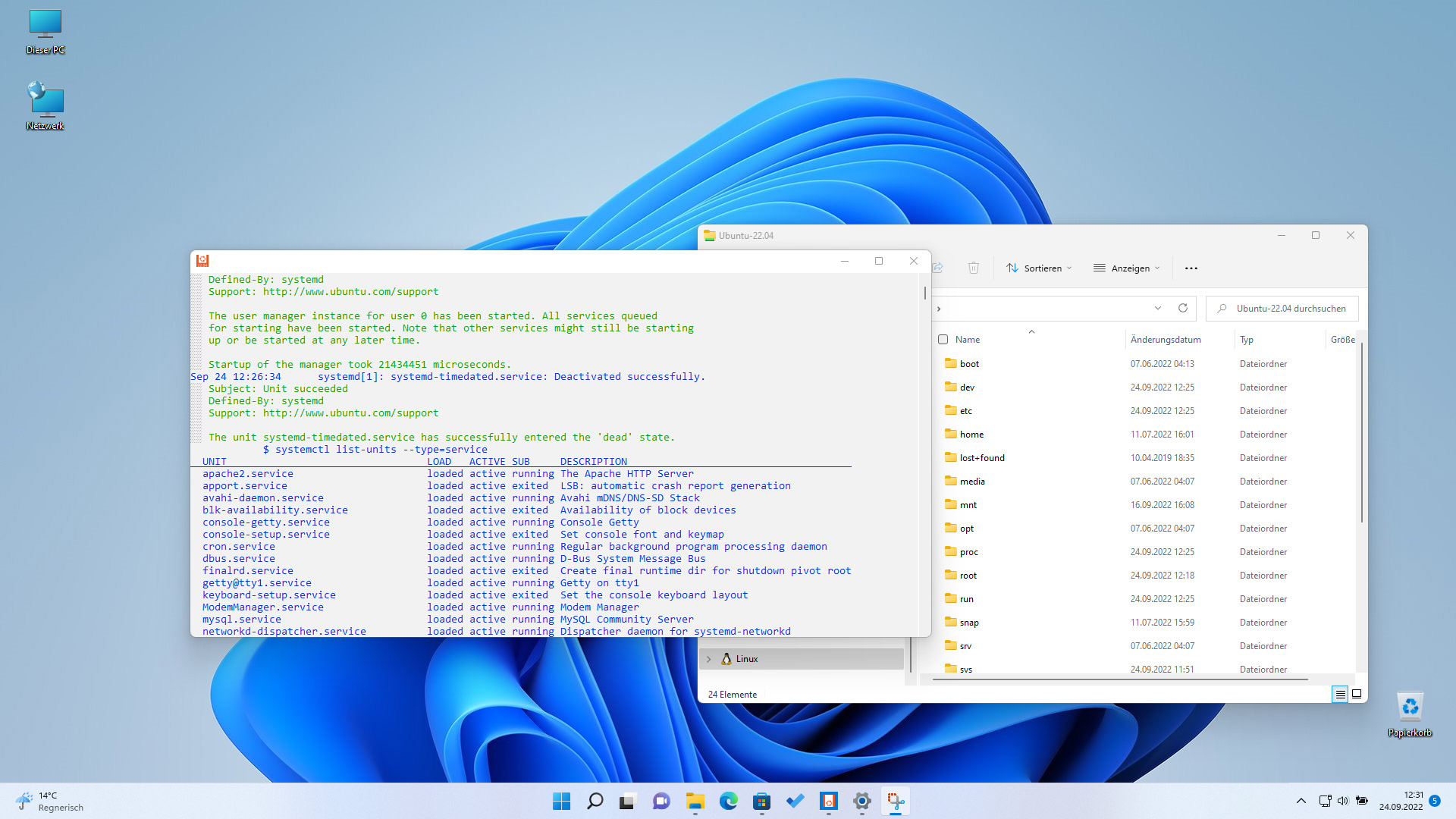
Currently, under Windows 11, WSL 2 is used as the default with the latest virtualization technology. The WSL 2 version brings a full Linux kernel and support for systemd. The particular advantage here is that services such as web servers, databases, and background jobs can now start automatically with the launch of the WSL distro, and the use of startup scripts or manual start commands in the Linux shell can be dispensed with.
For this, a Windows version 10 or 11 is initially required as the base system. On this host system, the desired Linux environments will later run as guest systems. The required storage space for the installation of WSL itself and the desired Linux distributions should be planned for early. Because, similar to Windows, the required storage space for distributions can increase over time due to the installation of applications, services, and updates.
For the installation, it is recommended to use PowerShell in administrator mode. This allows the Windows Subsystem for Linux, including the features required to run WSL, to be installed on the system with just a single command line. The links below the article contain a reference to a more detailed installation guide.
The Windows Store offers a variety of distributions for WSL that can be downloaded and installed similarly to Microsoft Apps. The desired distributions can then be run as isolated containers within the managed VM using WSL2.
wsl --listWith the command wsl --list in the Windows Terminal, an overview of the available Linux distributions can be displayed.
wsl --updateWith wsl --update, the distributions can be brought to the latest available version.
In order to use systemd within a WSL distribution, the file wsl.conf must be adjusted within the /etc/ folder inside the distribution:
[boot]
systemd=true